What vadodara.biz does for you
See what your vadodara.biz website, owner app and customer tools include, what the platform team looks after, and where each thing lives.
vadodara.biz gives a small business in Vadodara a ready-made website plus simple tools to answer customers and win more work. This guide is for owners and staff who are new to it. It takes about 5 minutes to read, and you do not need a computer to follow it.
What you get
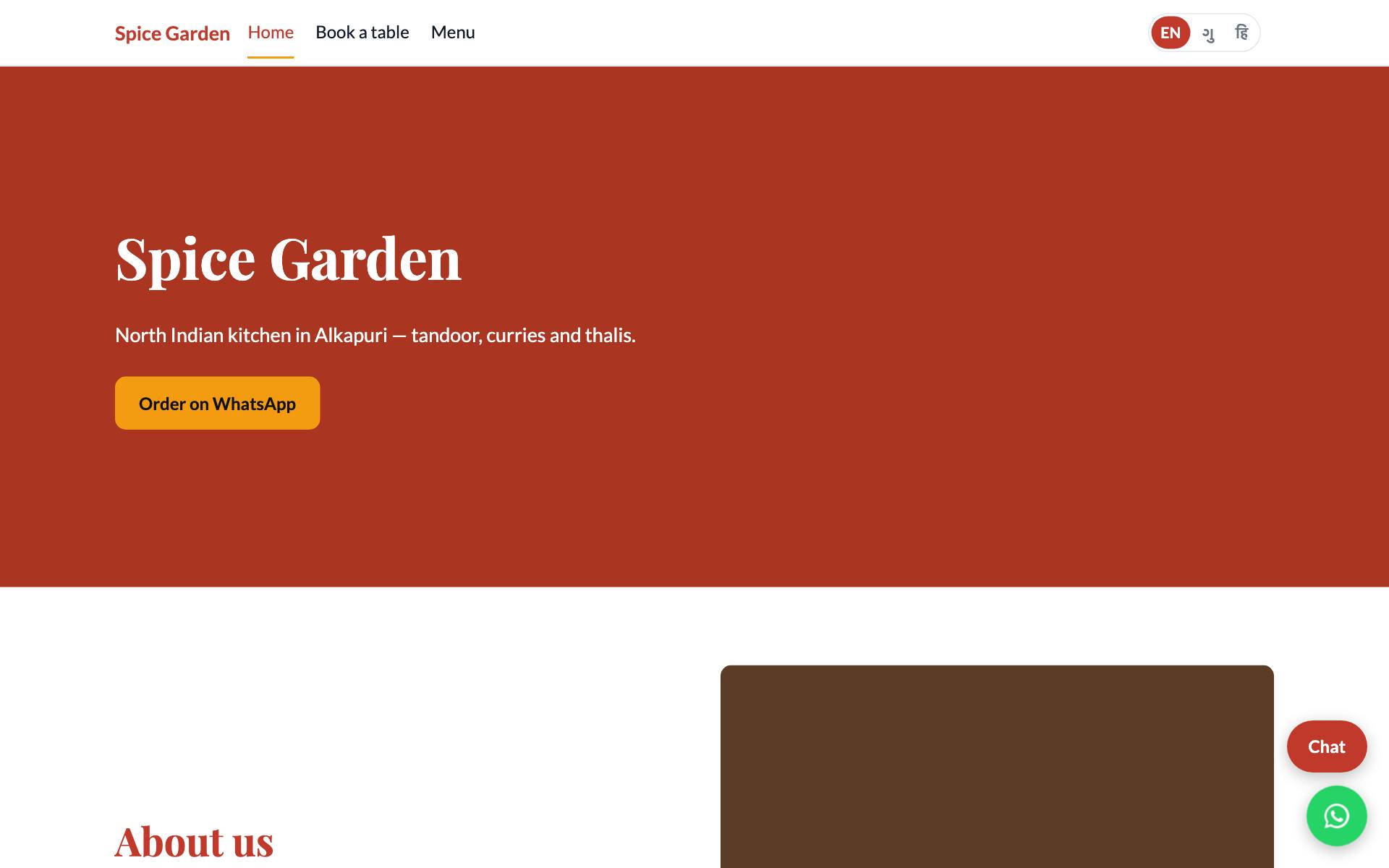
Your business gets its own website at https://<your-business>.vadodara.biz, for example spice-garden.vadodara.biz. Around it are the tools you use to run things day to day.
| What | What it does for you |
|---|---|
| A website made of sections | You build each page from ready-made sections: a big opening banner, about us, menu or services, photos, offers, reviews, questions and answers, opening hours, contact and map, an enquiry form, and more. Your colours, fonts and logo are used everywhere. |
| Phone-first owner app | A small app on your phone for the daily work: new leads, follow-ups, chats, today's bookings and visitor numbers. |
| Leads and contacts | Every enquiry, website booking, chat hand-over and WhatsApp message becomes a lead with a stage (New, Contacted, Qualified, Won, Lost), a follow-up date and a timeline of notes. |
| Website chat | A Chat button on your site. An AI assistant can answer from your own business details, or visitors simply leave a message for you. |
| Online bookings | Customers pick a service, a day and a free time. Two bookings can never land on the same slot. |
| Visitor numbers | How many people visited, where they came from, which pages they read, and how many tapped Call, WhatsApp or Directions. This is counted without cookies. |
| New-lead alerts | Email, a notification on your phone, or a Telegram message for every new lead, if your platform has these switched on. |
| Three languages | Pages can have English, Gujarati and Hindi versions. |
| Secure sign-in | One sign-in page for everyone, with optional two-step verification. |
| Backups | Your data is backed up every night. |
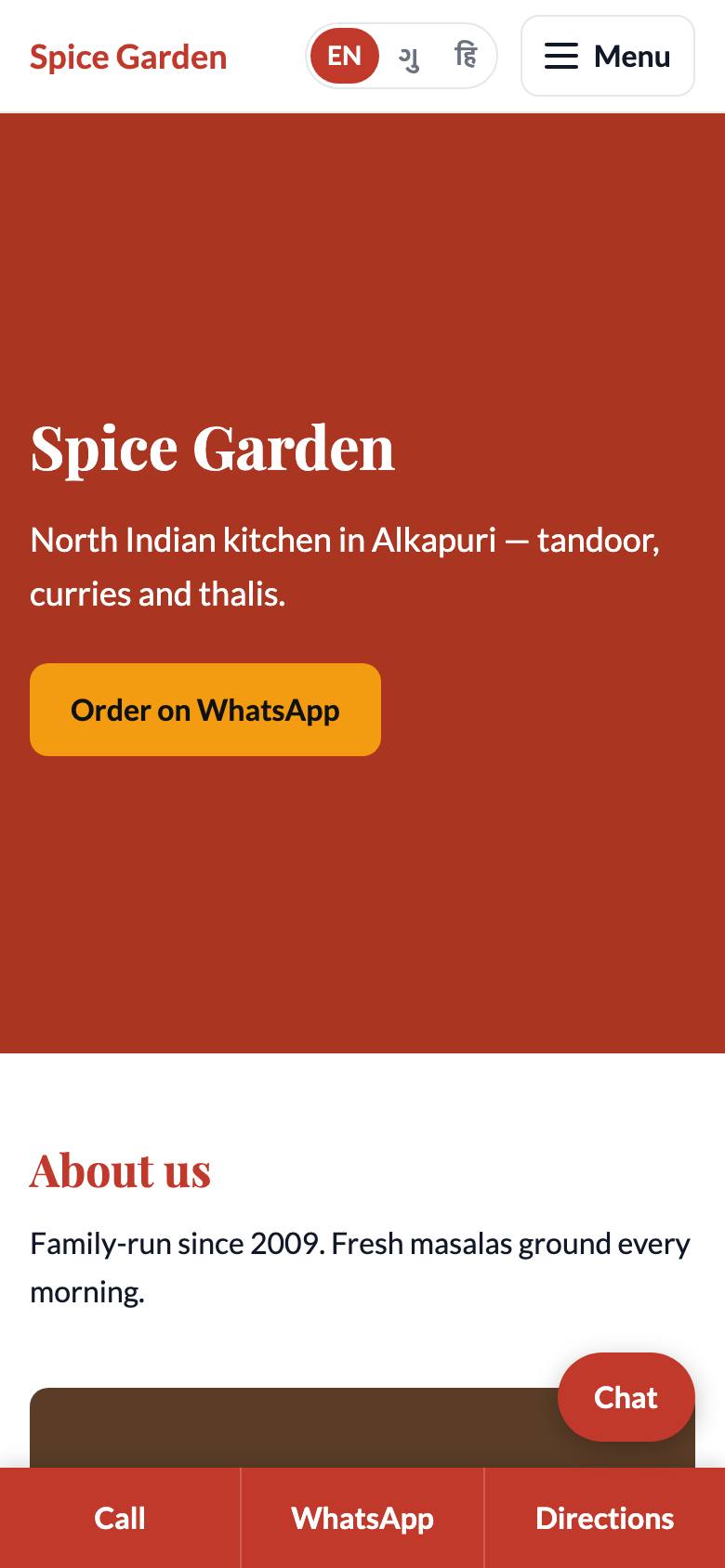
On a phone, visitors also get a bar at the bottom of every page with Call, WhatsApp and Directions, so they can reach you with one tap.
Good to know: Online booking and website chat are included in every plan. The number of users, the AI allowance, your own domain name and two-way WhatsApp depend on your plan. See Your plan and invoices.
What the platform team does for you
You run your business. The platform team runs the technology. They:
- create your business, set your web address and plan, and make your site live;
- connect your own domain name, if your plan includes it;
- set up two-way WhatsApp on the Pro plan;
- keep the servers, sign-in and security up to date;
- check that every live website is up, and look into errors;
- take nightly backups and can restore them;
- handle your customers' requests to see or delete their data.
Some settings can only be changed by the platform team: your web address, whether the site is live, your plan, domain names, the WhatsApp connection and the monthly AI limit. If you need one of these changed, ask them.
The three places you will use
| Place | Address | Best on | Use it for |
|---|---|---|---|
| Your website | https://<your-business>.vadodara.biz |
Any device | What your customers see |
| Website editor | https://<your-business>.vadodara.biz/admin |
A computer | Pages, photos, business details, services, and all records |
| Owner app | https://<your-business>.vadodara.biz/app |
Your phone | Daily work: leads, chats, bookings, quick changes |
You sign in to the website editor and the owner app with the same account. Your customers never need an account.
Tip: Open the owner app on your phone and add it to your home screen. It then opens like any other app. See The owner app on your phone.